![[Ducket] Winter Wonderland](https://fls-9ee5a723-25b1-48f9-a1c8-be2deb0418d9.laravel.cloud/badge-guide-images/wiBX4TQALyTpBccfP49iuydoaBykfnJYTjGyYzXO.png)

[Ducket] Winter Wonderland
Ho ho ho… disaster! Santa's presents crashed off the roof! Grab your elf boots, collect the scattered gifts, and battle through wild Ducket games to load the sleigh before Christmas is ruined. Fast feet & quick clicks, a little Christmas magic and joy, you just have to believe in your elf!
US686
 US685
US685
How to Get This Badge
🌐 Room: Click Here to go to this room!
🏠 Room Name: [Ducket] Winter Wonderland
👤 Owner: Saikopan
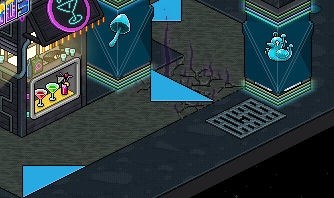
🚶 Step 1 - Enter the Hub
Follow the moving arrows on the floor to begin your journey.
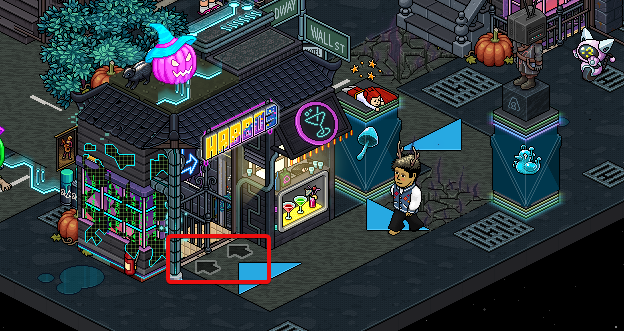
🚪 Step 2 - Use the Teleporter
Step onto the Arrow Room Teleporter to proceed.
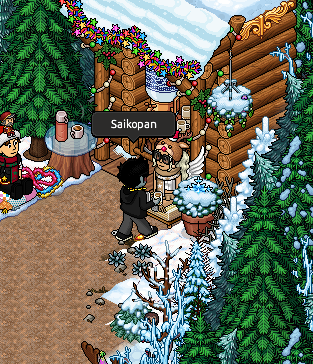
🗣️ Step 3 - Find the correct Bot
Walk into the room and stand infront of Krys, Top right corner:
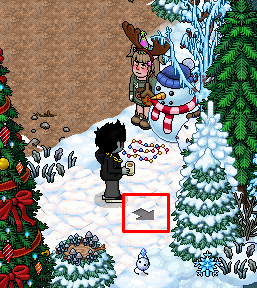
🧑💼 Step 4 - Enter the Teleport
Head to the Collecting Ducks:
🚶 Step 5 - Time to Collect Ducks
Head to the Ice to collect the ducks. Ice ducks will appear on top of the fishing holes and go back down. Click them to collect them, Achieve 5 points to head to the next room:
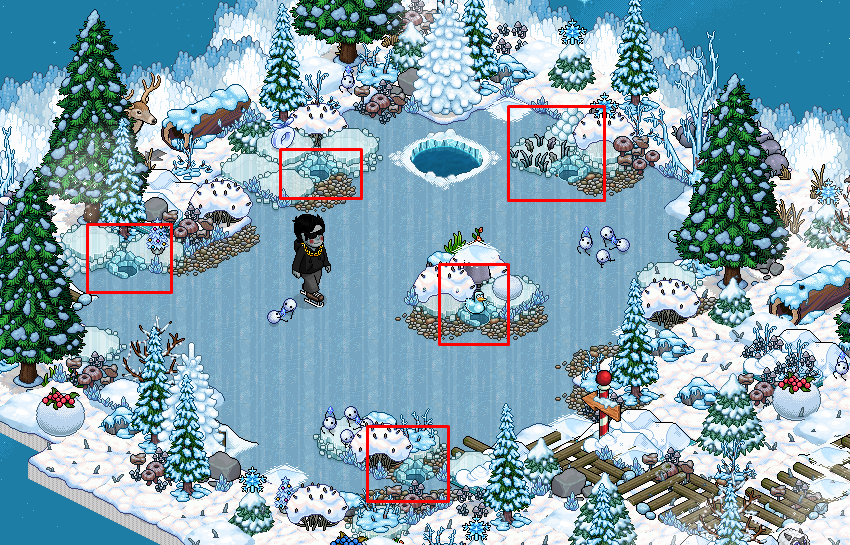
⚠️ Tip: Avoid collecting the Sunny Ducks, They give you minus points
🧑💼 Step 6 - Enter the Teleport
Head to Help Santa's Elves:
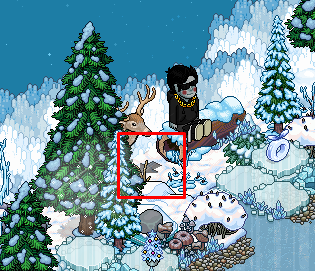
🏥 Step 7 - Enter the room and step on red circle
Step on the Red Circle to start.
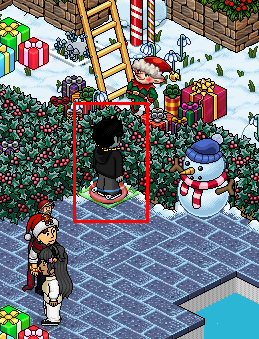
🏥 Step 8 - Find the presents
Click on a present and walk back to the red circle to give to the elf. Repeat this for all 5 presents:
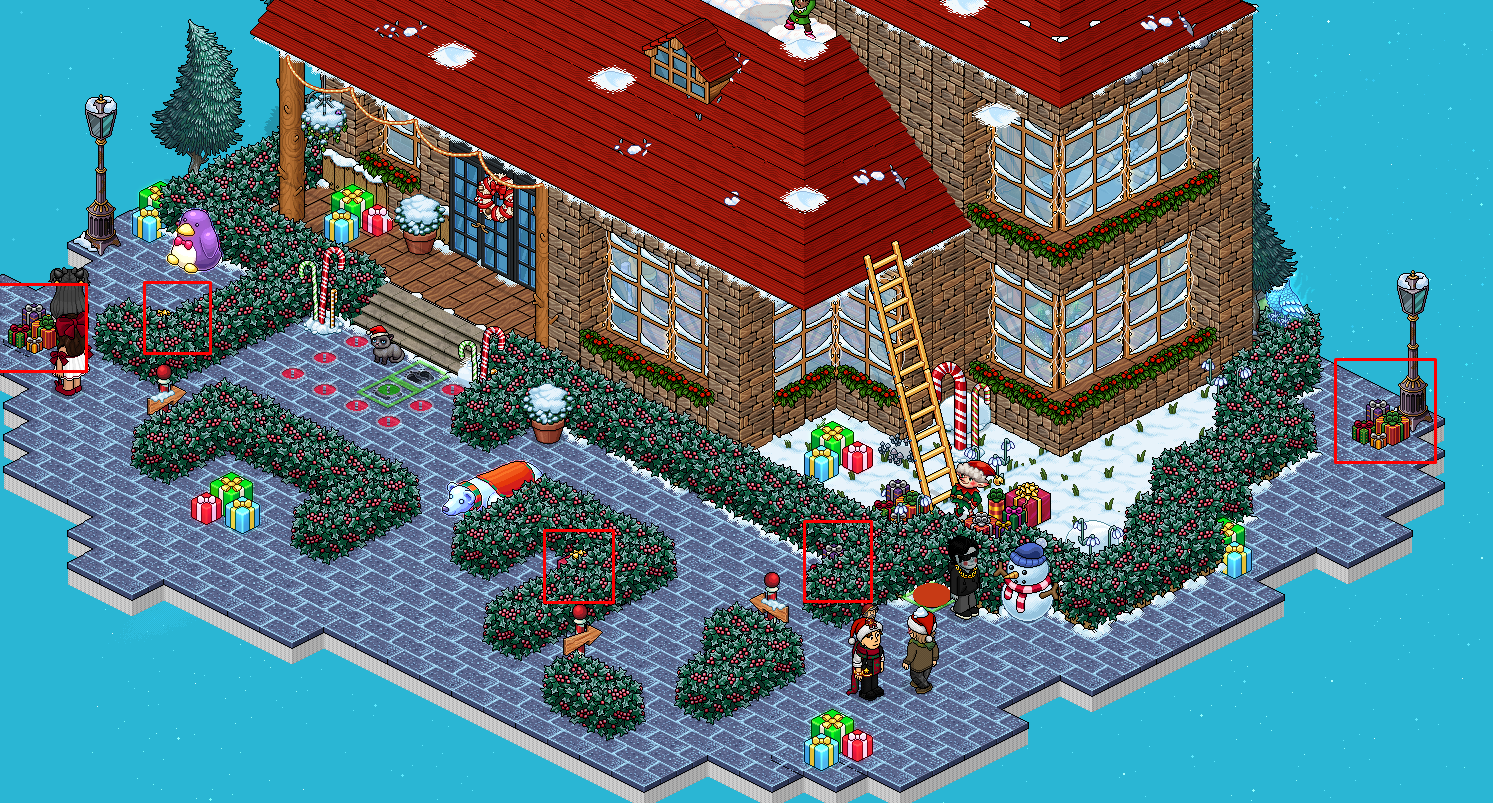
🚪 Step 9 - Enter the Teleport
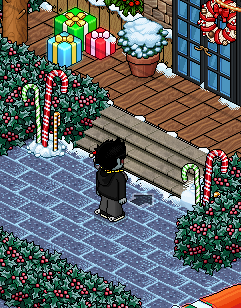
🧍 Step 10 - Time to decorate the tree
Step onto the red circle and type * to collect a decoration for the tree. Walk to the red circle and type *. Repeat this for the other 2 red circles, in the correct order:
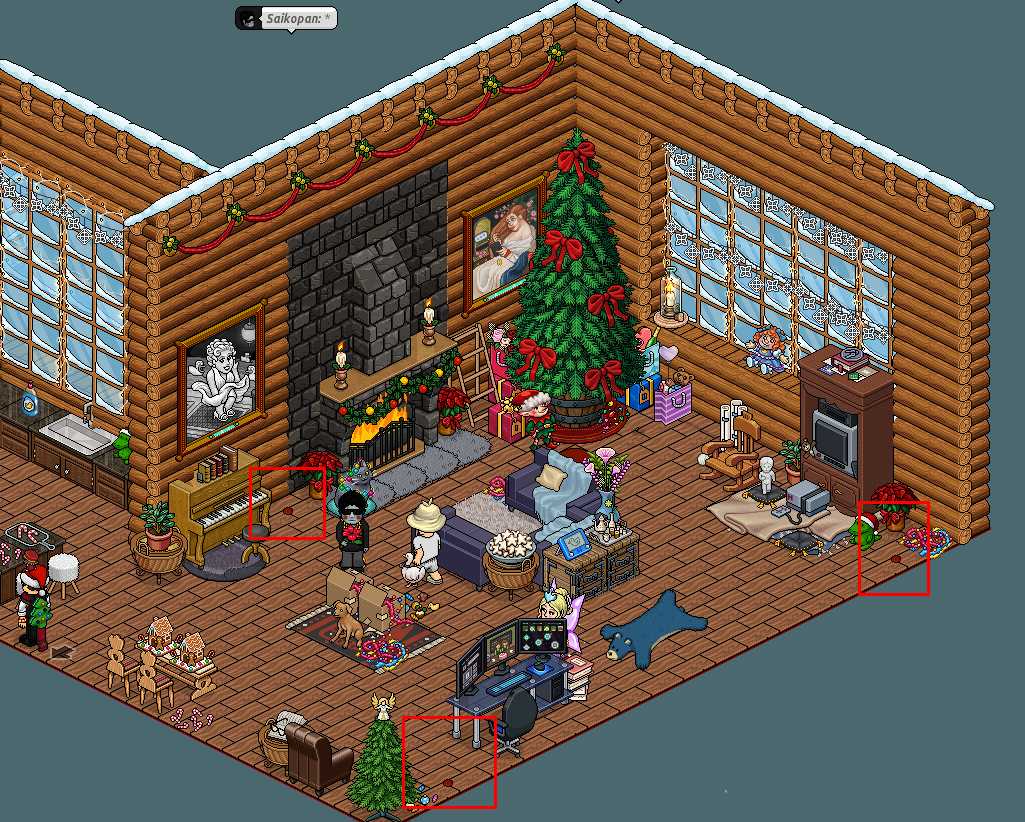
🏅 Step 11 - Unlock Badge 1
You will now recieve your first badge

🚪 Step 12 - Enter the Teleport
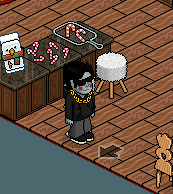
🚶 Step 13 - Time to paint
When coming to the room you will be prompted with a message on what colours to paint and where. Click on the colour you wish to use to select it and then click the area you wish to paint (Based on the instructions). Once completed you will be teleported to the log:
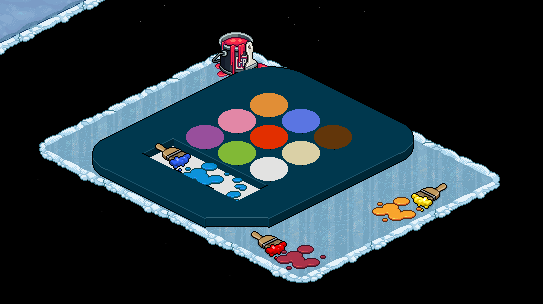
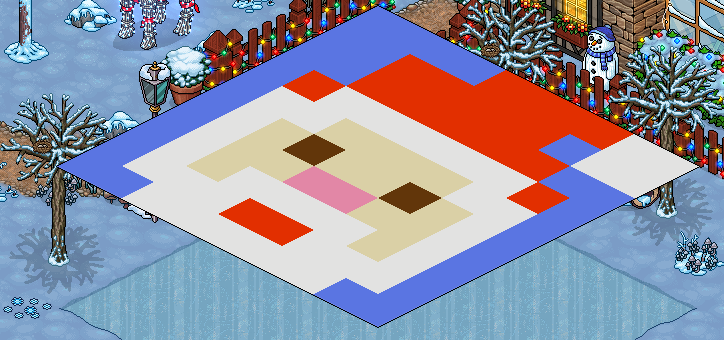
Note the paint and where you need to paint below:
- Red Hat
- Brown Eyes
- Beige Skin
- Pink Nose
- White Hair
- Blue Background
🚪 Step 14 - Enter the Teleport
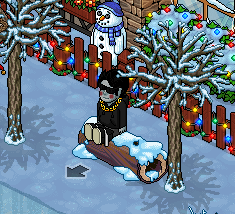
🚪 Step 15 - Time to build a snowman
Head to the snow and say * make snowball *. When done a snowball will appear next or under you.
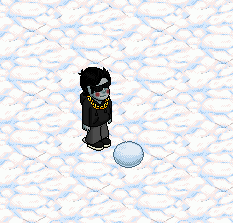
🚪 Step 16 - Move the snowball to make it bigger
You now have to click on the snowball to move it around the snow to make it bigger. Once the snowball is big enough you will get a message that you can build. Type * Build * to build the snowman.

🚪 Step 17 - Enter the Teleport
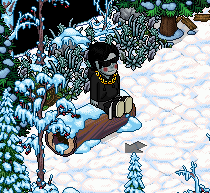
🚪 Step 18 - Collect the Falling Packages
Santa's a little bit lost and is dropping the presents in the room. Follow his path and see where the presents are falling, when a present has dropped, step on the black circle to collect that package. Repeat this 5 times.

🚪 Step 19 - Enter the Teleport
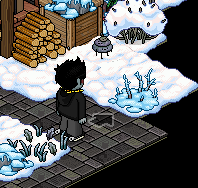
Enter the Room Arrow Switcher:
🏛️ Step 20 - Badge Reward
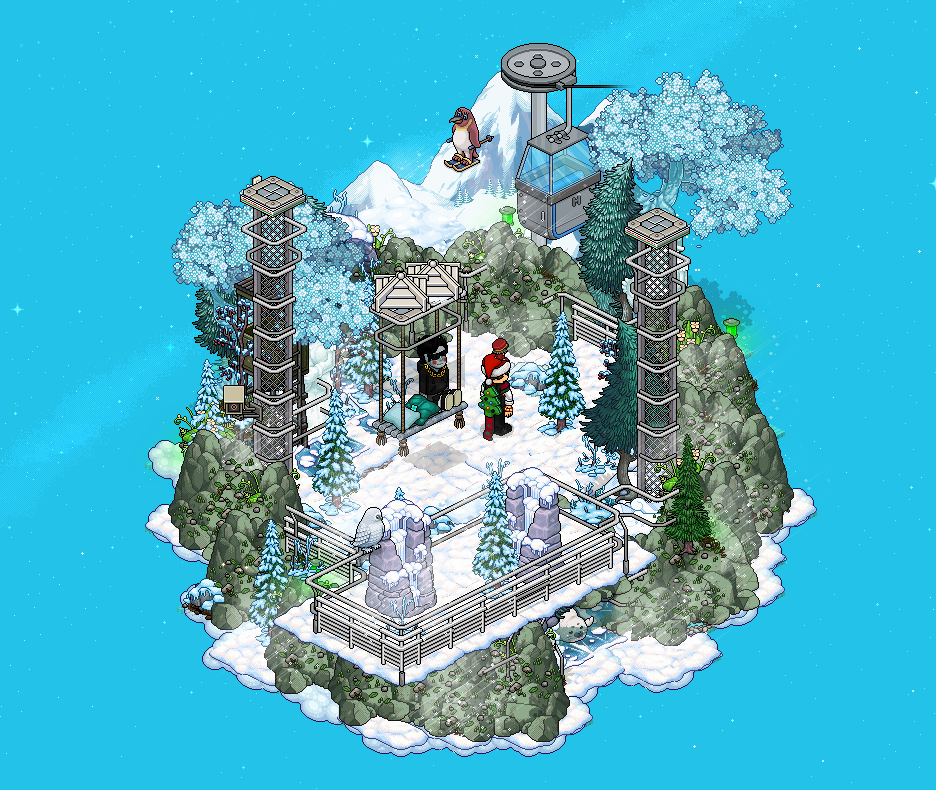
You will now recieve the final badge once entering the final room:

💬 Enjoyed this event?
Leave a comment below in our new comments section and share your feedback!
Discussion 2
Join the Discussion!
Login with Discord to share your thoughts and help other players.
Login with Discordthanks for the guide <3
thanks for guide <3